~/writingcampaign-tracking-ad-leads-response-time
Campaign tracking for ad leads, and why response time matters
A $39 skill pack that ties every lead and sale to the ad that brought it, and a study on why the first hour after a lead arrives matters most.

This week I released the Campaign Tracker Pack, the sixth pack of Heavy Artillery Skills. It is for anyone who sets up ad tracking for more than one site and wants it done the same way every time, so that every lead and every sale is tied to the ad that brought it.
The pack is a skill that an AI coding agent follows, with scripts, a Cloudflare Worker and a Google Sheet. The agent makes short links from the sheet, keeps the first tagged visit without cookies, sends each lead and each sale to Meta from the server with the click that brought it, and pulls ad spend into the sheet, so cost per lead sits next to the campaign that earned it. Then it proves the setup against the live Worker instead of trusting a clean result. It costs $39, with every future version included.
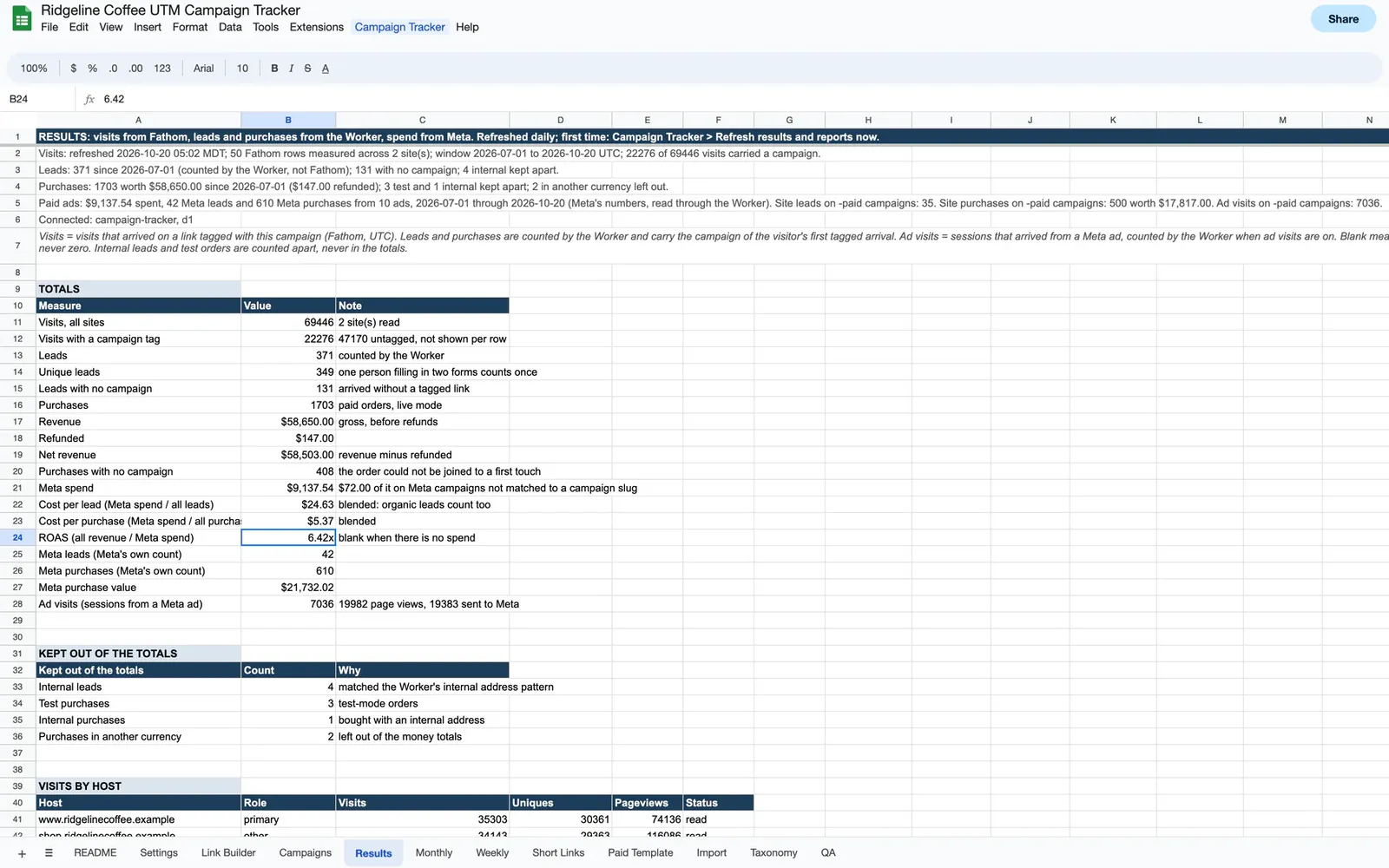
It has tracked the Heavy Artillery shop and skills site since October 18. On October 19 I moved Matchless Web onto it as well, and deleted the short links, campaign tagging and lead events that site had built for itself. All 45 of its short links kept working. Moving a second site also found a bug in the pack's own sheet: a CSV pasted into its Import tab read as nothing. That is fixed. Not measured yet: a real, paid order through a live checkout.
The first hour after a lead arrives
Knowing what a lead cost only pays off if someone answers it. In 2011 the Harvard Business Review published an audit of 2,241 US companies, each sent a test lead through its website. 37% answered within an hour, and another 16% within a day. 24% took longer than a day, and 23% never answered at all. Among the companies that did answer within 30 days, the average wait was 42 hours.
The same researchers studied 1.25 million leads at 42 companies. Those that tried to reach a lead within an hour were nearly seven times as likely to have a real conversation with a decision maker as those that waited even one hour longer, and more than 60 times as likely as those that waited a day or more.
It is old research, but the point holds: the tracker tells you what each lead cost, and how fast you answer decides whether you got anything for it. That is also the idea behind Speed to Lead, which went up on Matchless Web this week: a service for HVAC, plumbing, electrical and roofing businesses that sends the first reply to a form lead or a missed call by text, with email as the fallback. Its texting number and campaign are approved, so you can try it now.
A free website teardown for Matchless Web
The free teardown also went live on Matchless Web. Send me your website, and within 48 hours I email you a five-minute video, recorded by me, showing where visitors leave and the one fix that would turn more of them into calls. For anyone who would rather be roasted, there is a playful version of the same video, which still ends on the fix.
Behind it are 14 emails in three series: after the video, after a booked call, and after a proposal. Proposals go out through PandaDoc, and OttoKit watches them. When a proposal is sent, the contact is tagged and gets a page explaining what each line of it pays for. When it is signed, the tag changes.
Every social post and ad links through a short link, so each visit arrives tagged with its campaign, and those links now run on the Campaign Tracker. The campaign sheet pulls Meta ad spend beside them and works out cost per request for each ad set. I am not running ads yet. The first will be for Simple Email Signature, once I finish a few pieces of video creative. Meanwhile 64 posts are scheduled with Postiz from October 21 to December 18, across Facebook, Threads, Instagram, X, LinkedIn, Google Business Profile and YouTube. Most of them point at the teardown.
Two free firewall helpers: 7G and 8G
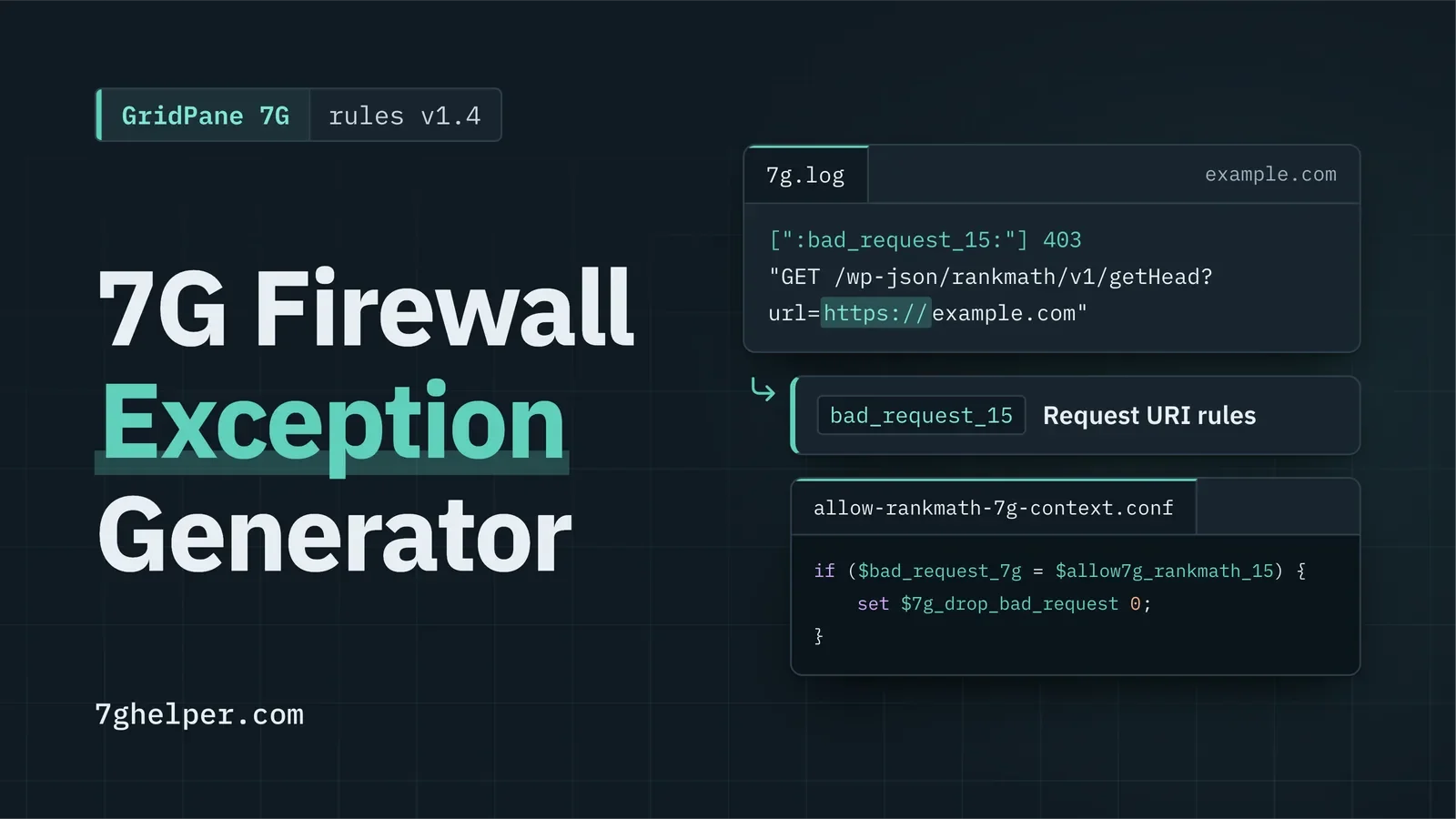
7G Helper is a free 7G firewall exception generator for GridPane: paste a blocked request from the log, see the rule that fired, and get a fix scoped to that one request. I wrote about how I built it on October 21, and it is now a case study on Matchless Web.
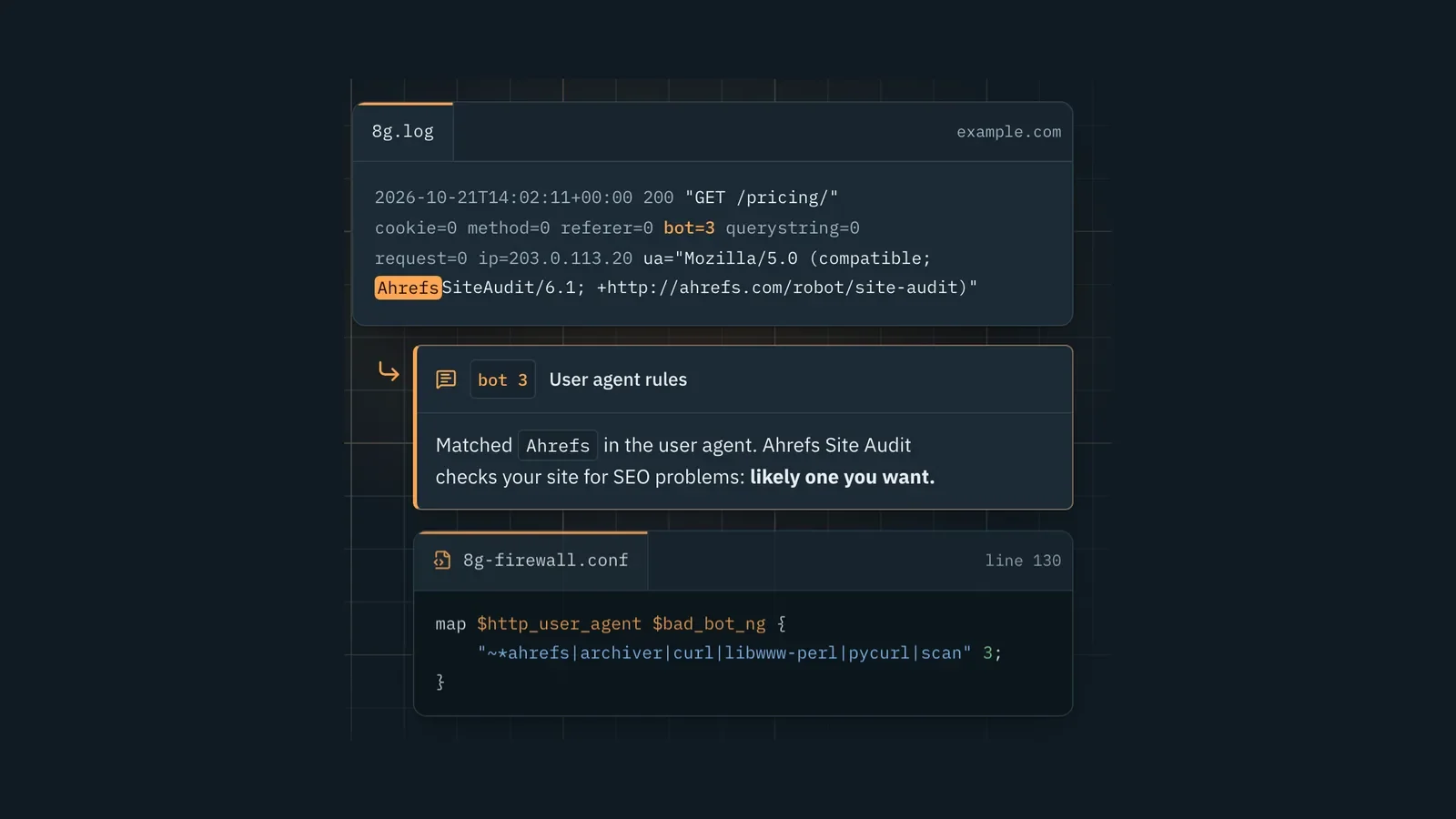
A day later, after the author of 7G asked whether I had tried 8G, I shipped 8G Helper. 8G is his newer firewall ruleset, and it officially ships for Apache only. GridPane has no switch for it, so on its nginx servers you run the nginx version of 8G. 8G Helper takes a line from that log and shows the rule that fired, its pattern and the text it matched. A second section walks a GridPane site from 7G to 8G: run 8G in watch mode beside 7G first, so it logs what it would block before it blocks anything.
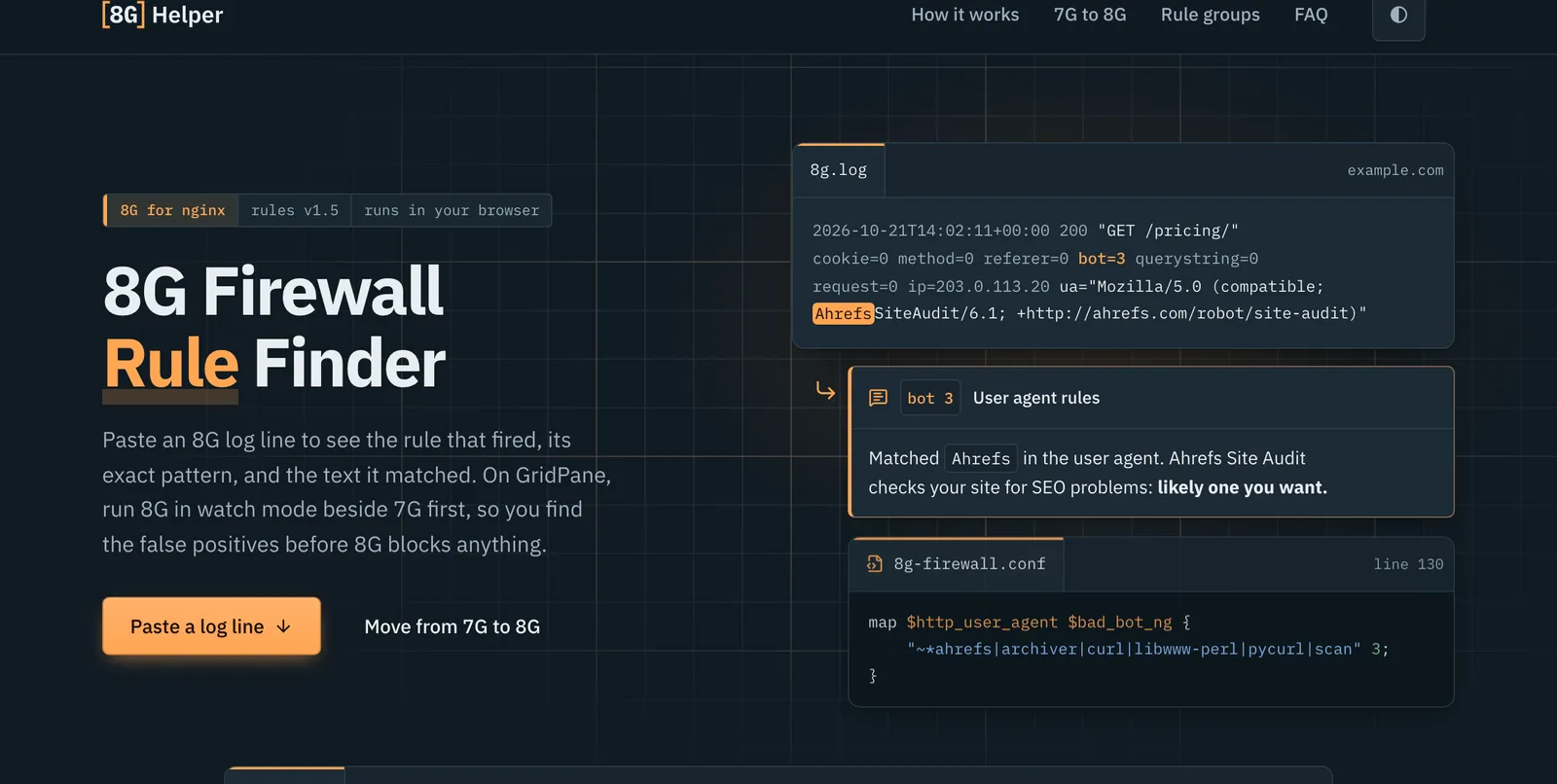
The watch-mode steps ran on seven live GridPane sites across five servers, which kept serving normally. Like 7G Helper, it runs in your browser, and nothing you paste leaves the page. It is open source, and I wrote up why I built it and how watch mode works.

Jon Phillips builds websites, web apps and automations at Matchless Web in Clinton, Mississippi.